Nepali Date on the Playdate
I finally got the Playdate. This little yellow machine is nice to look at and quite fun to play with, but it doesn’t yet have the kind of games I like to play. No problem, I’m writing them myself.
Meanwhile, I have 3D printed a stand for it, and it sits on my desk acting as a unique clock.
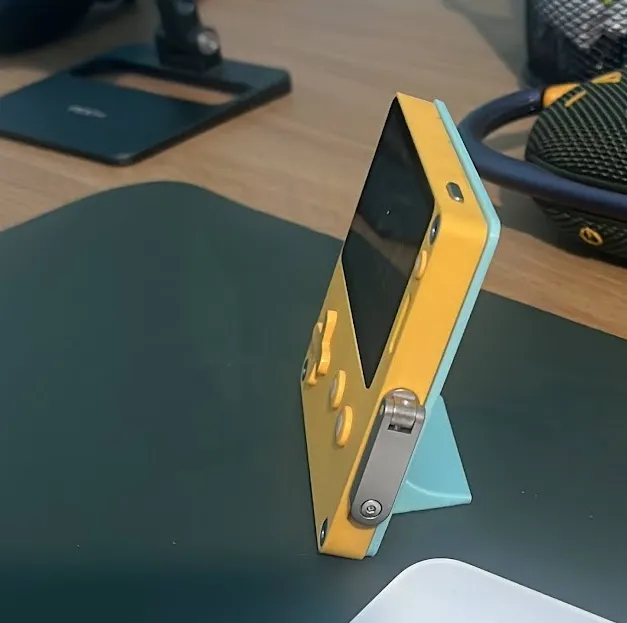
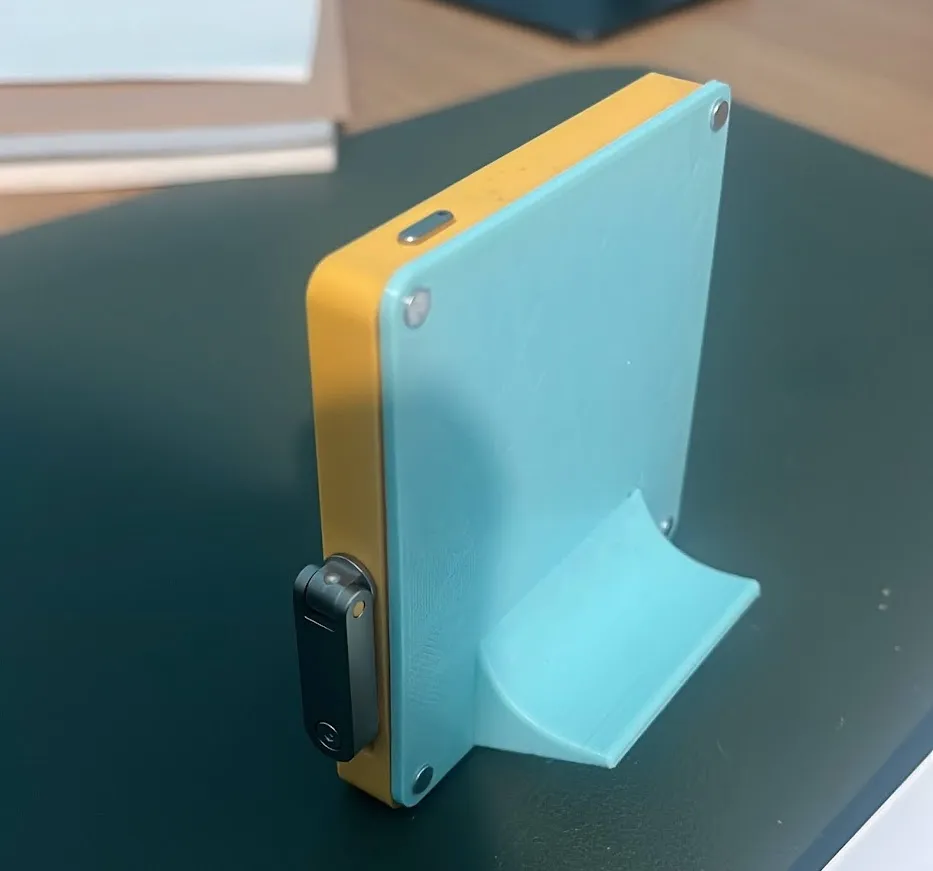
Now that I have a stand and a really cool memory LCD display which barely needs power to display static images, I can display anything on it while it sits on my desk.
One of my pet peeves has been that computers and mobile phones display the date in AD, but daily life in Nepal needs me to know the date in BS. And I can’t just whip out my phone to check the Nepali date without resorting to some external app or some ugly widget. The external app (or website) is almost always riddled with ads, horoscopes, religious messaging, and news. They load slow and the important information is buried in a maze of irrelevant information.
To remedy these minor annoyances, I have done two important things:
-
I have established a website, miti.today, for times when I’m already using a browser and I just need to check the date really fast. It just displays today’s Nepali date in large font in the center of the page, and barely anything else. I am also working on patro.today, which will be an extremely simple calendar website.
-
I wrote a simple wallpaper utility for the Mac. It edits the time and Nepali date into a selected wallpaper and changes it every minute. The code was a lot more involved than I expected it to be, but I use it on my monitors and it has been useful: niravcodes/clock_on_wallpaper_mac.
Now that I have the Playdate I’m free to add a third:
- Write software for the Playdate that takes as little power as possible while it displays the current time, date, and a wallpaper of my selection.
So I went ahead and wrote it.
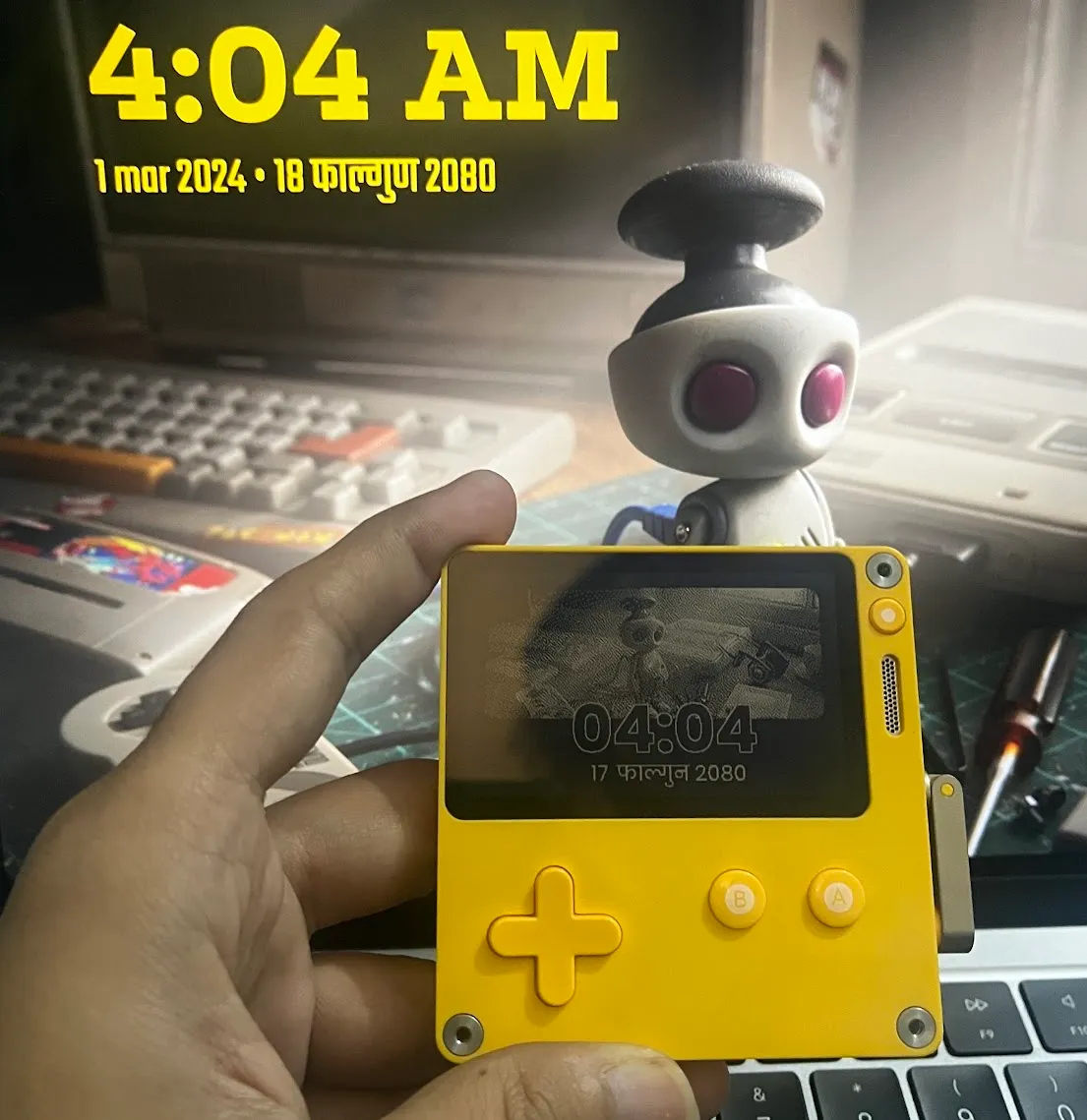
The really awesome robot wallpaper I’m using is titled The Nerd Desk by Marcelo Vaz.